Tel Aviv → Holon
North crew · Vehicle 01Completed


BUILT FOR MOVING COMPANIES
From the customer’s message to a completed job: plan your work and review results in one workspace.
30 days of full access for new companies.
Your workspace is for your own jobs and customers. The demo is a separate environment with fictional data for 24 hours.
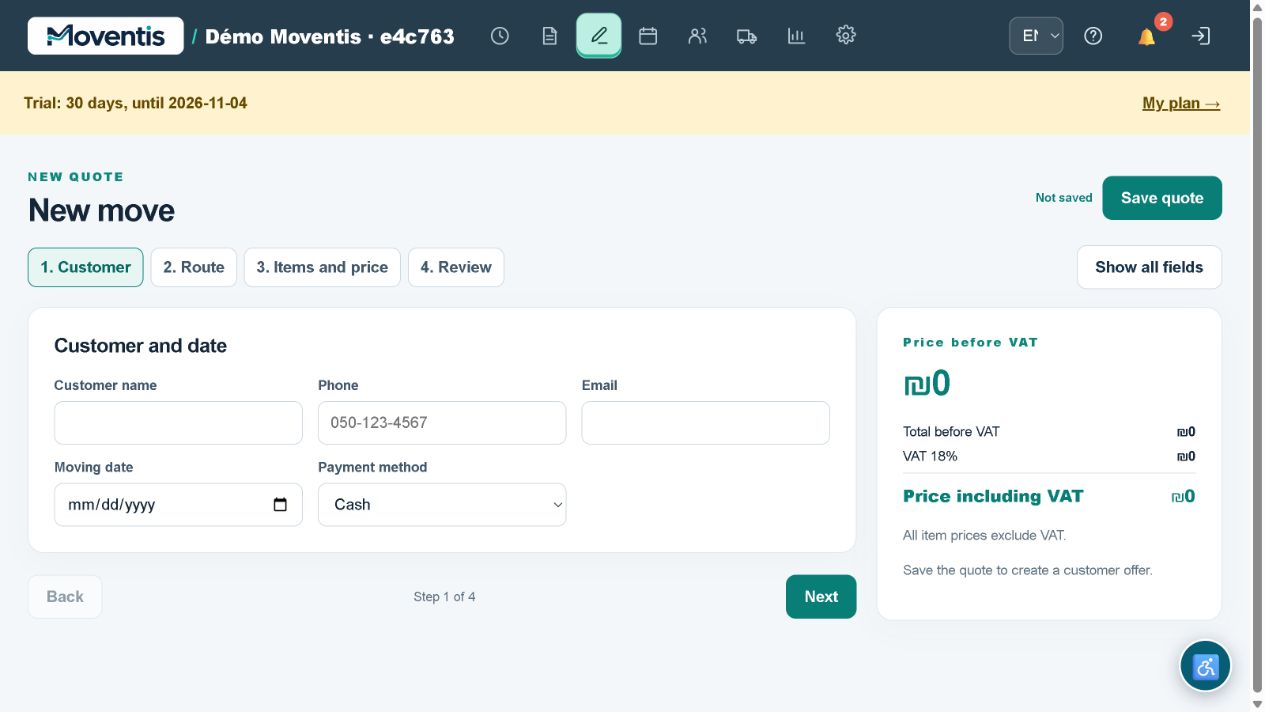
Enter the customer, date, pickup and delivery addresses, floors, lift access, items and additional services. Review the total before sharing an estimate.
Learn more ↗Schedule arrival time, vehicle and crew. Status colours distinguish jobs, and notification links open the relevant job.
Learn more ↗Keep contacts, notes, completed work and personal discounts. Repeated phone numbers help identify existing customers; import and export require PIN verification.
Learn more ↗Create employee profiles, assemble crews and assign vehicles. Manage driver and operator access separately from job details.
Learn more ↗Compare the price, actual receipts and expenses. See shortfalls and results by job and by month.
Learn more ↗Add a sofa and boxes, specify a floor without lift access and review the updated estimate.
Change a future moving date and send an updated estimate to the customer.
Assign a crew and vehicle to a confirmed move.
Start the job on arrival, then enter the actual cash received and mileage.
Choose a month and employee, then compare the table with the chart.
Each demo launch creates a separate workspace with fictional data for 24 hours. Do not enter real personal data. External integrations are disabled. Action PIN: 2468.
Your workspace is for your own jobs and customers. The demo is a separate environment with fictional data for 24 hours.
PIN: 2468 · Demonstration dataTel Aviv
Pickup address
Holon
Delivery address
MOVENTIS
Drivers see assigned jobs, arrival times and addresses. Starting work is recorded separately; confirming cash requires a PIN, and location requires phone permission.
Select cash, bank transfer or cheque when creating a job. The actual amount received is stored separately from the price so a shortfall remains visible.
Driver sign-in ↗Real interfaces
Screenshots of the working workspace with fictional data. Choose a section to see its interface.
MOVENTIS
The item list, agreed price and customer confirmation — in one system.
Video starts muted. Turn on sound in the player.
Feature guides ↗30 days of full access. Monthly prices exclude VAT; VAT is added separately.
Annual subscription: one payment for 12 months with a 20% discount.
₪149/ month
Excluding VAT · VAT added separately
₪349/ month
Excluding VAT · VAT added separately
₪699/ month
Excluding VAT · VAT added separately
VAT 18%. Manual payment is currently available; online payment is being connected.
The system works in a browser and can be installed on your phone. Push requires device permission.
The company owner. Operators cannot access reports; drivers see assigned jobs.
No. Each launch creates a new isolated workspace. Do not enter real personal data.
MOVENTIS
20 practical cases from a mover’s daily work: money, customers, drivers and crews. Explore the problem, steps and checks in Moventis.
A move costs ₪3,200, but the customer hands the driver ₪3,000. Closing it with a simple “paid” flag can hide the remaining ₪200 among calls and messages.
Explore the case ↗The first job overruns while the next customer expects the vehicle at 11:00. The owner receives calls with conflicting arrival times.
Explore the case ↗One crew member is absent in the morning. The old roster remains in the job, risking wrong workload and expense assumptions.
Explore the case ↗More moves are completed this month, but available cash does not grow. Order totals alone do not show what remains after expenses.
Explore the case ↗