

Practical guide
Reports and monthly charts
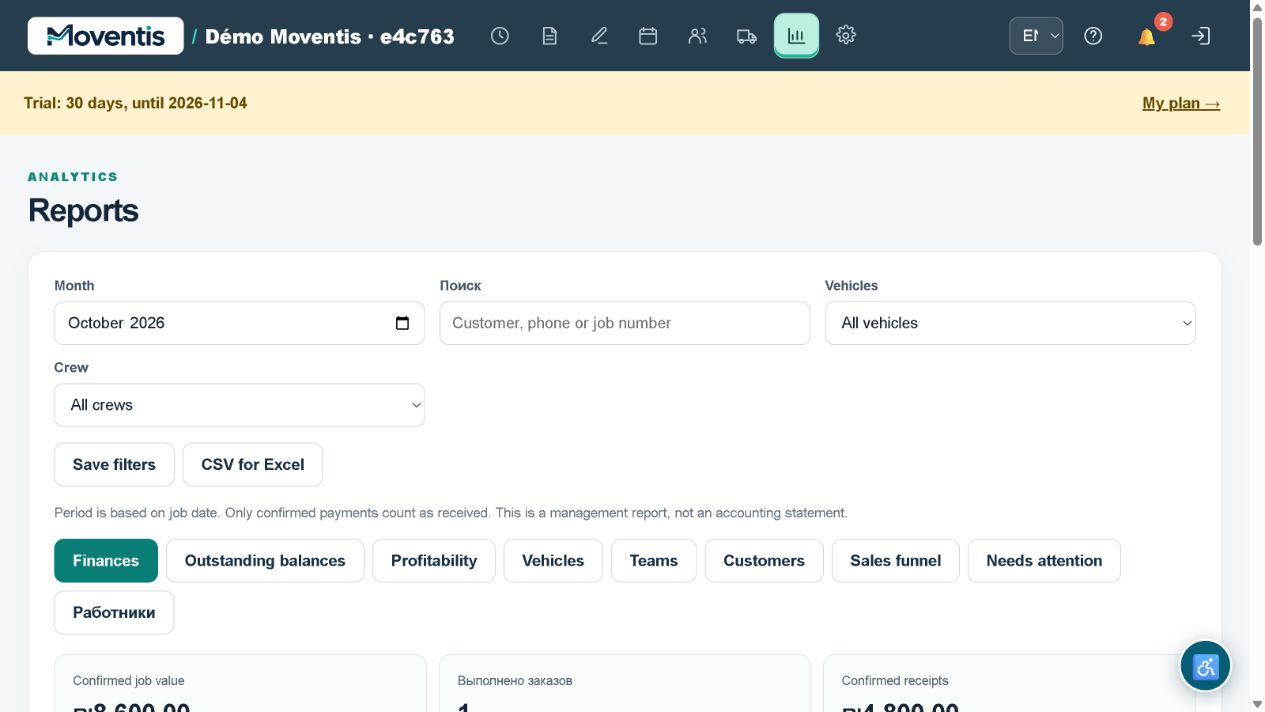
Compare completed jobs, receipts, expenses and results. Use worker and customer reports; reporting is available in Team and Fleet plans.
How to use it
- Open the relevant workspace section.
- Enter the details and review them before saving.
- Save your changes and check the result in the job or report.
Workflow example
Choose a month and employee, then compare the table with the chart.
Important details
The demo uses a separate local database. Do not enter real customer personal data. External services require separate configuration.
Open demo ↗