

Practical guide
Operator and multiple companies
Operators work with jobs, estimates and customers without company reports or settings. Operator access is included in the Fleet plan.
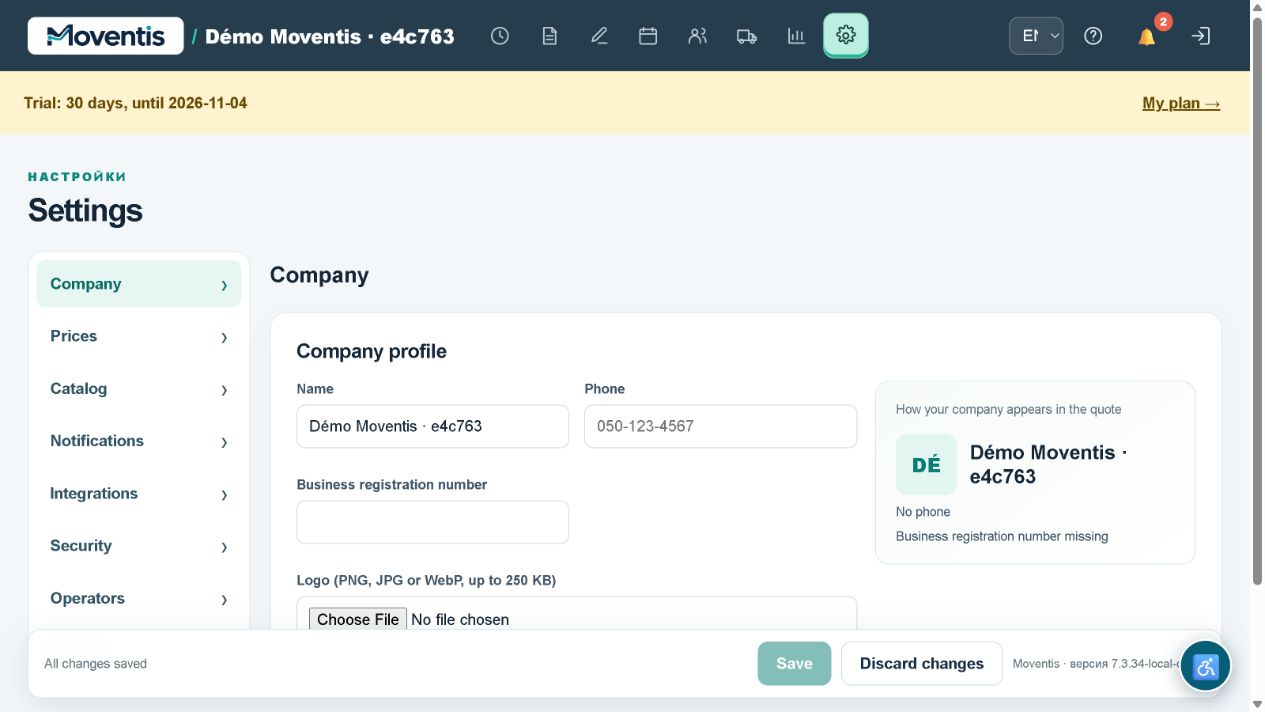
How to use it
- Open the relevant workspace section.
- Enter the details and review them before saving.
- Save your changes and check the result in the job or report.
Workflow example
If several companies grant access, choose the company after signing in.
Important details
The demo uses a separate local database. Do not enter real customer personal data. External services require separate configuration.
Open demo ↗