

Practical guide
Items from text and photos
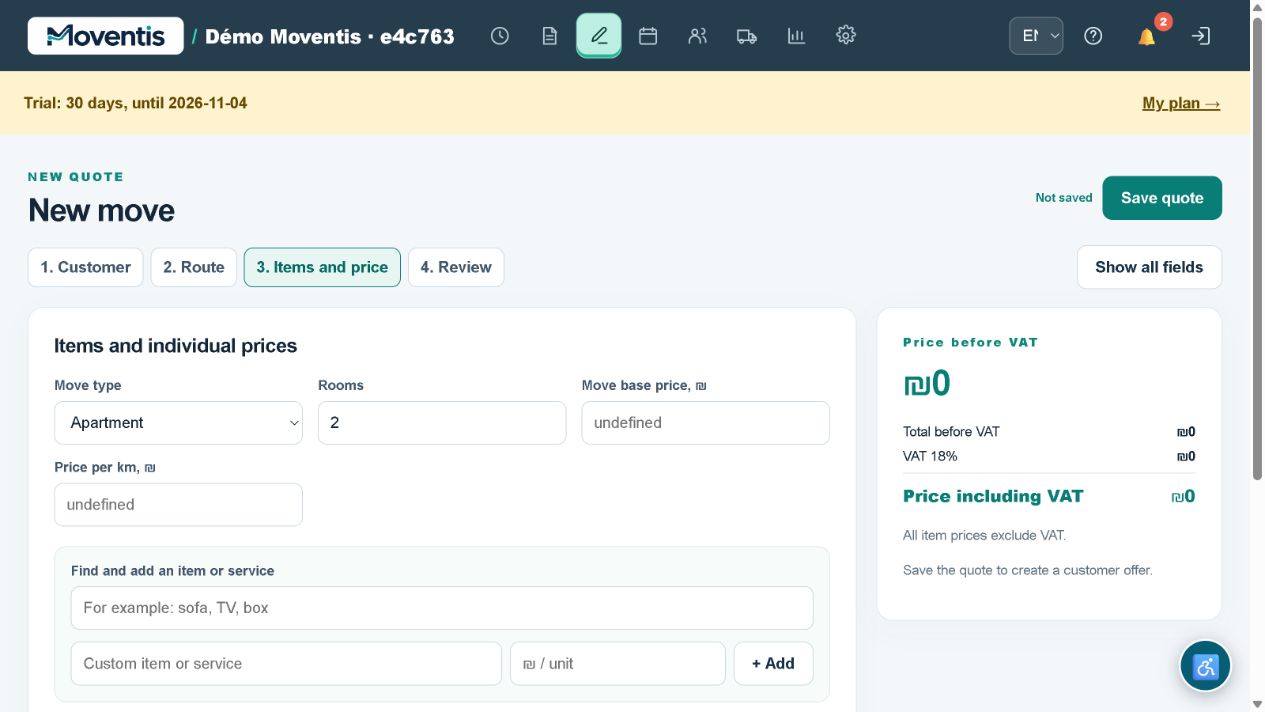
Paste the customer’s list or upload a screenshot. Match recognised items to the catalogue and manually check quantities and furniture types.
Daily work: practical scenarios
A customer sends a list in a messenger
Furniture and boxes are mixed in one message. Manual retyping is cumbersome, and a missed item changes the price.
- Paste text or a screenshot into the estimate
- review recognised items
- check wardrobe size and box quantities
- add addresses and send the offer.
The list becomes part of the job instead of remaining only in chat. Recognition must be reviewed; it does not replace agreement with the customer.
Illustrative workflows, not real customer testimonials.How to use it
- Open the relevant workspace section.
- Enter the details and review them before saving.
- Save your changes and check the result in the job or report.
Workflow example
One wardrobe and two chairs become estimate items after your review.
Important details
The demo uses a separate local database. Do not enter real customer personal data. External services require separate configuration.
Open demo ↗