

Practical guide
Customer confirmation
Share an estimate after completing required details. Customer confirmation appears in the job and calendar; a date change requires renewed confirmation.
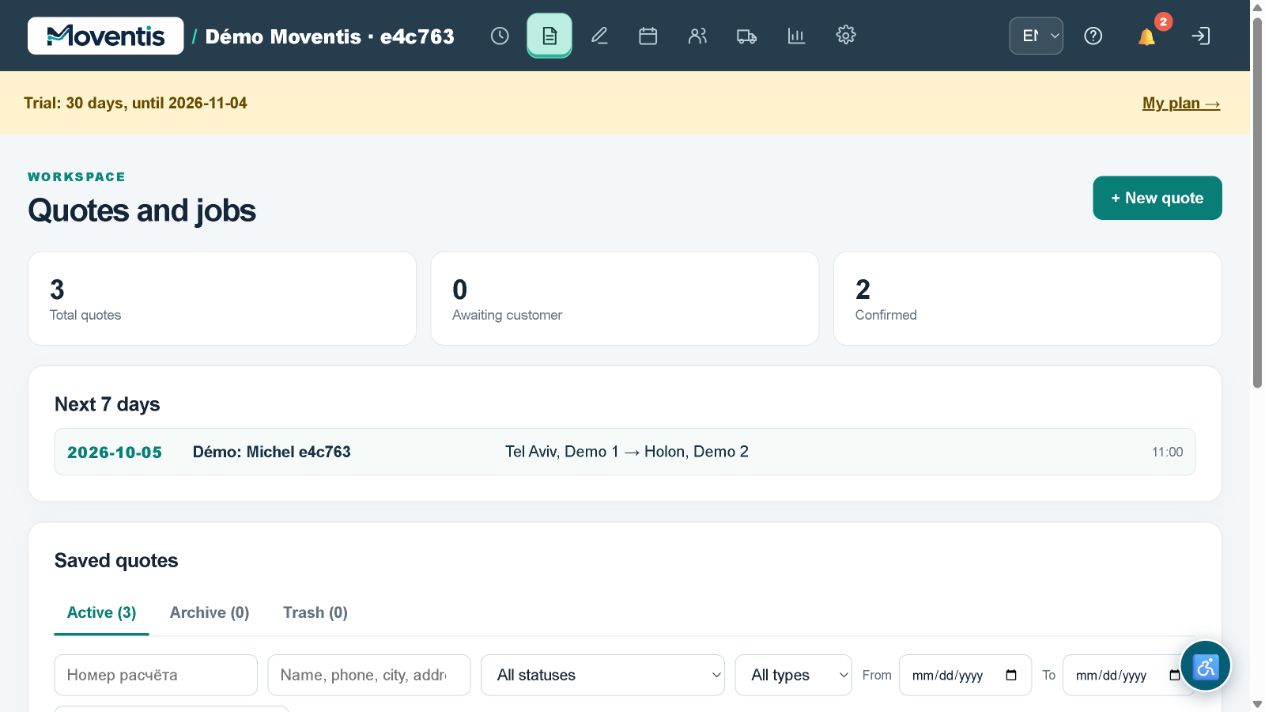
How to use it
- Open the relevant workspace section.
- Enter the details and review them before saving.
- Save your changes and check the result in the job or report.
Workflow example
Change a future moving date and send an updated estimate to the customer.
Important details
The demo uses a separate local database. Do not enter real customer personal data. External services require separate configuration.
Open demo ↗